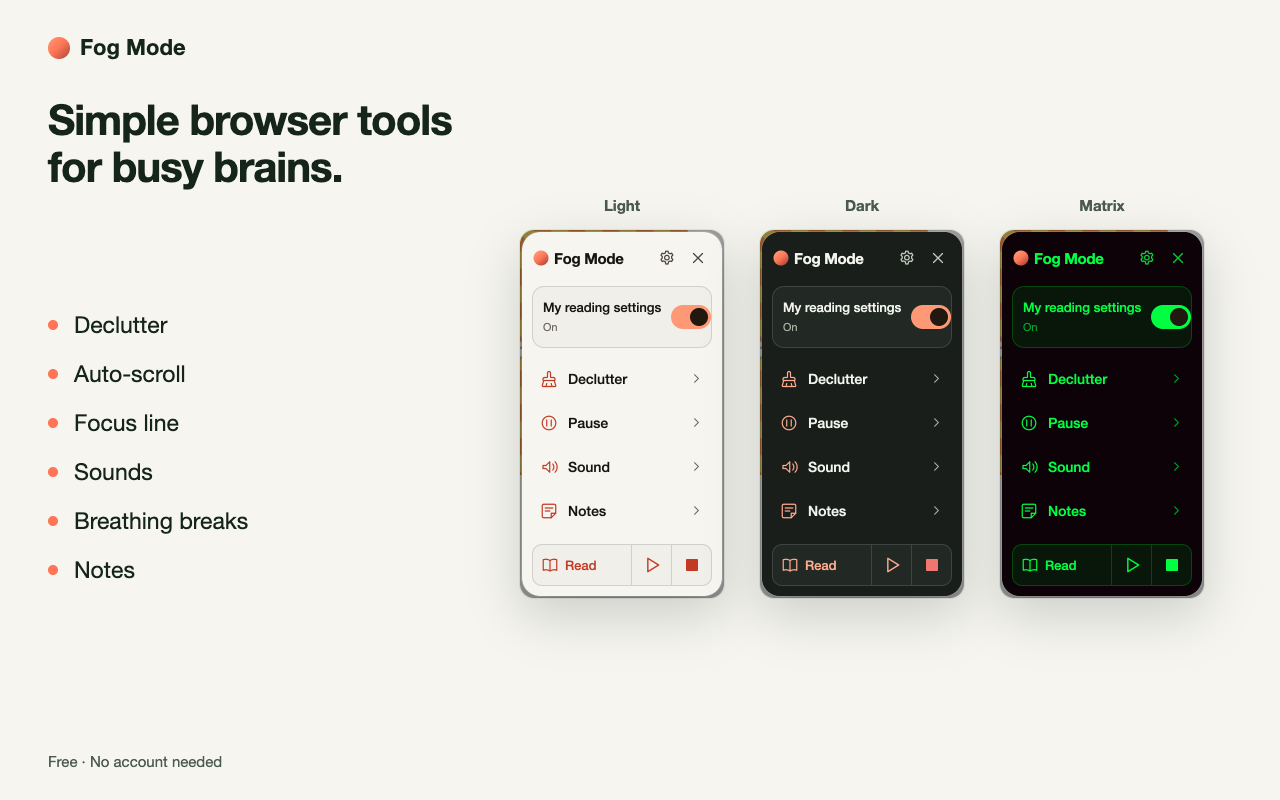
Declutter articles, mark where you’re reading with a focus line and let the page scroll at your pace. Play background sound, take screen breaks and save where you left off.
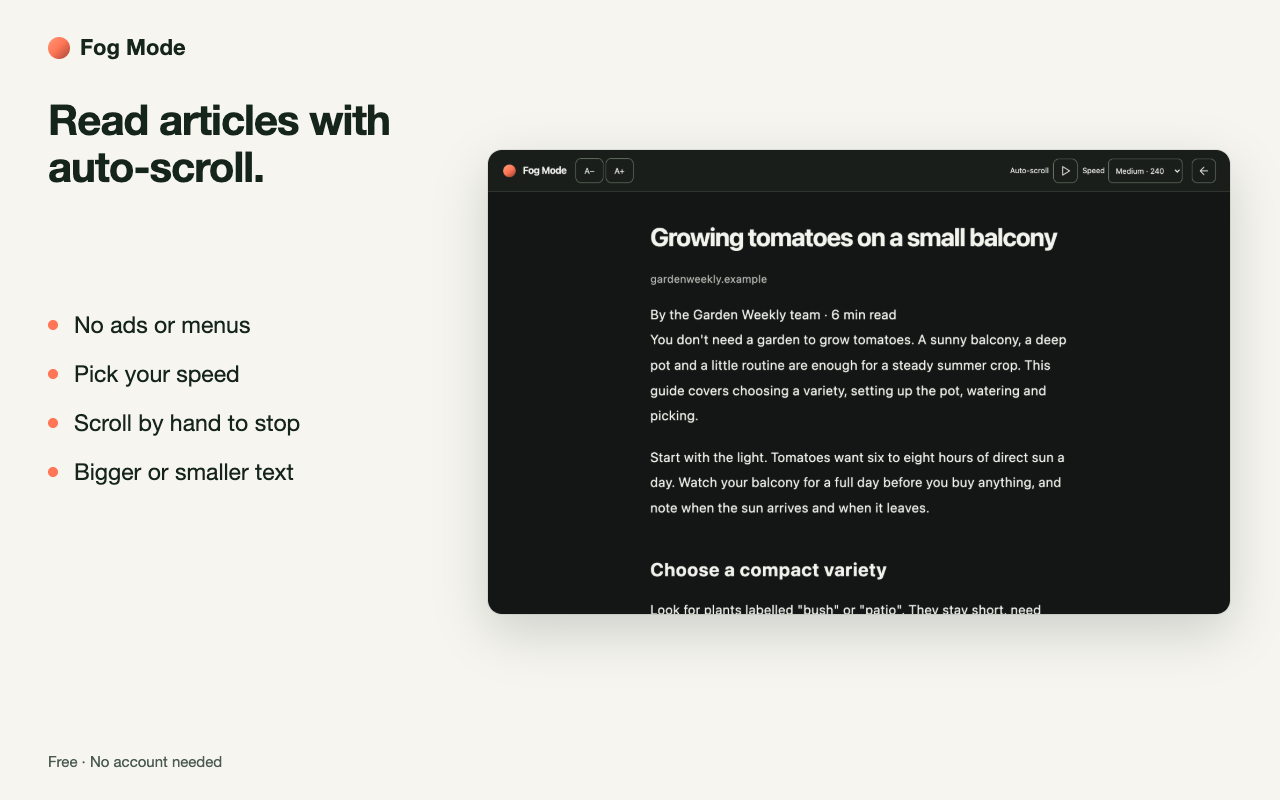
Just the article’s text, headings and links. Set the text size or let it scroll. Back to the page any time.
Try decluttering or the focus line
Choose a tool to try it.
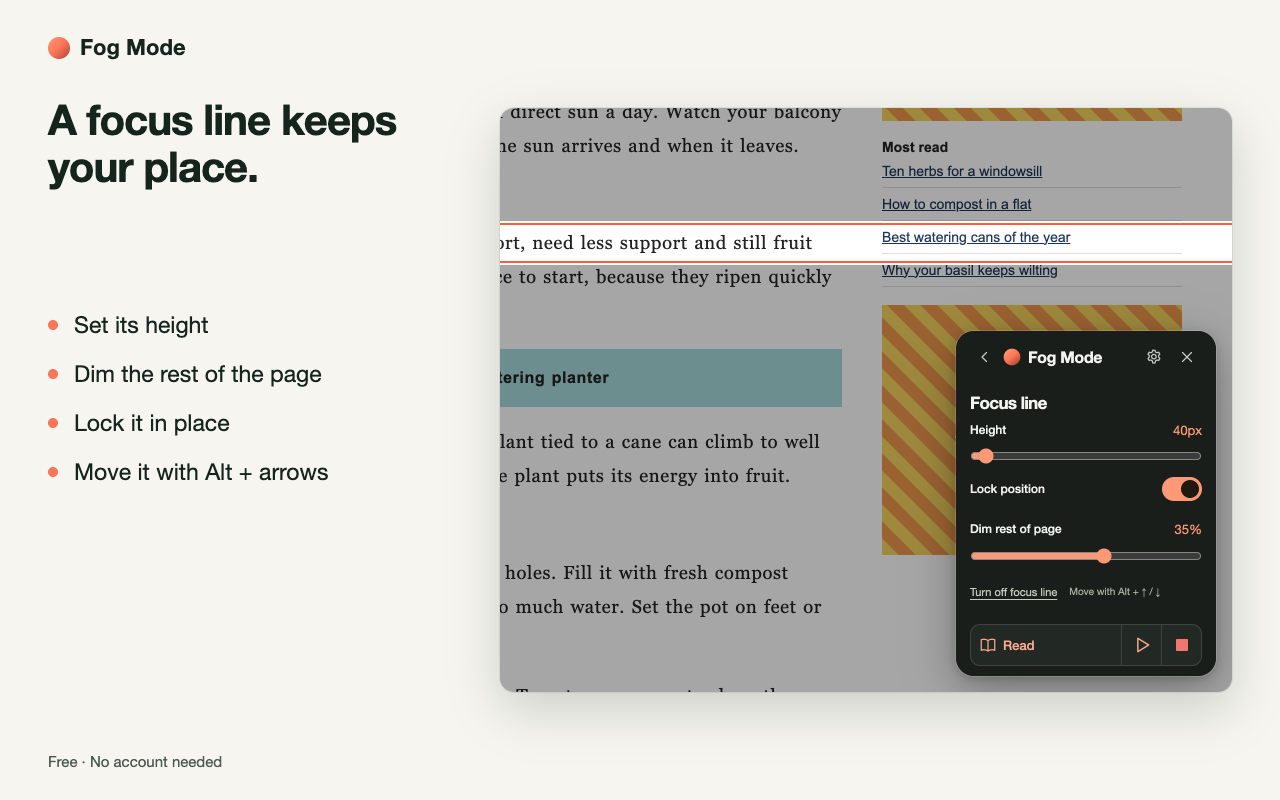
Keep your place with the focus line.
It follows your pointer and dims the rest of the page. Set its height, lock it, or move it with Alt and the arrow keys.
Bigger, roomier text.
Text size from 85% to 150%. Roomier text adds space between words, lines and paragraphs.
Reduce motion.
Fewer fading and sliding effects.
Scroll automatically at your chosen speed.
Four speeds for any page or feed. Scroll yourself to pause. The clean reader has its own speed.
Pick a speed, then Start scrolling.Interactive sample
Scrolling stays inside this example.
Background sound
Play background sound while you browse.
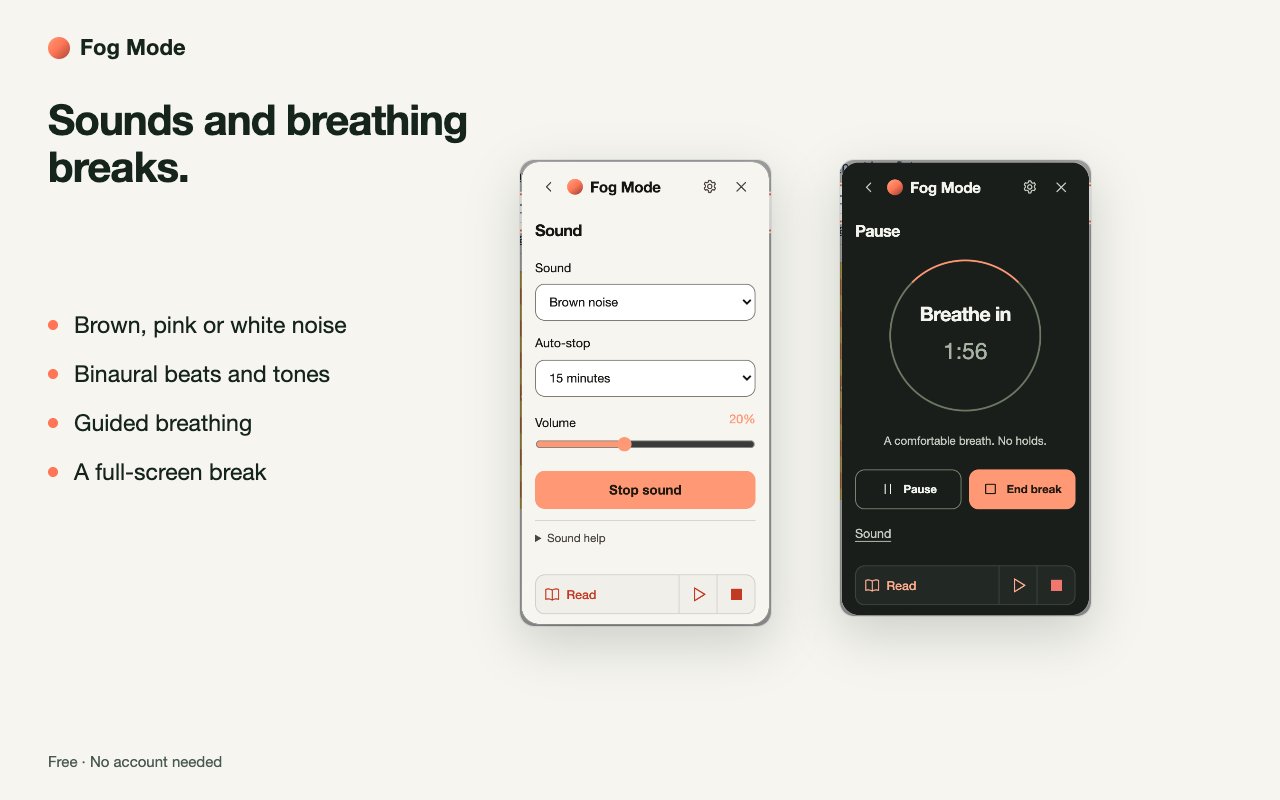
Play brown, pink or white noise, binaural beats or a plain tone. Set the volume and choose when the sound stops. Sound keeps playing after you close Fog Mode.
Use stereo headphones for binaural beats.
Sound samplerStopped
30-second sample Generated on this device
In the extension, set sound to stop after 2, 5, 15 or 30 minutes.
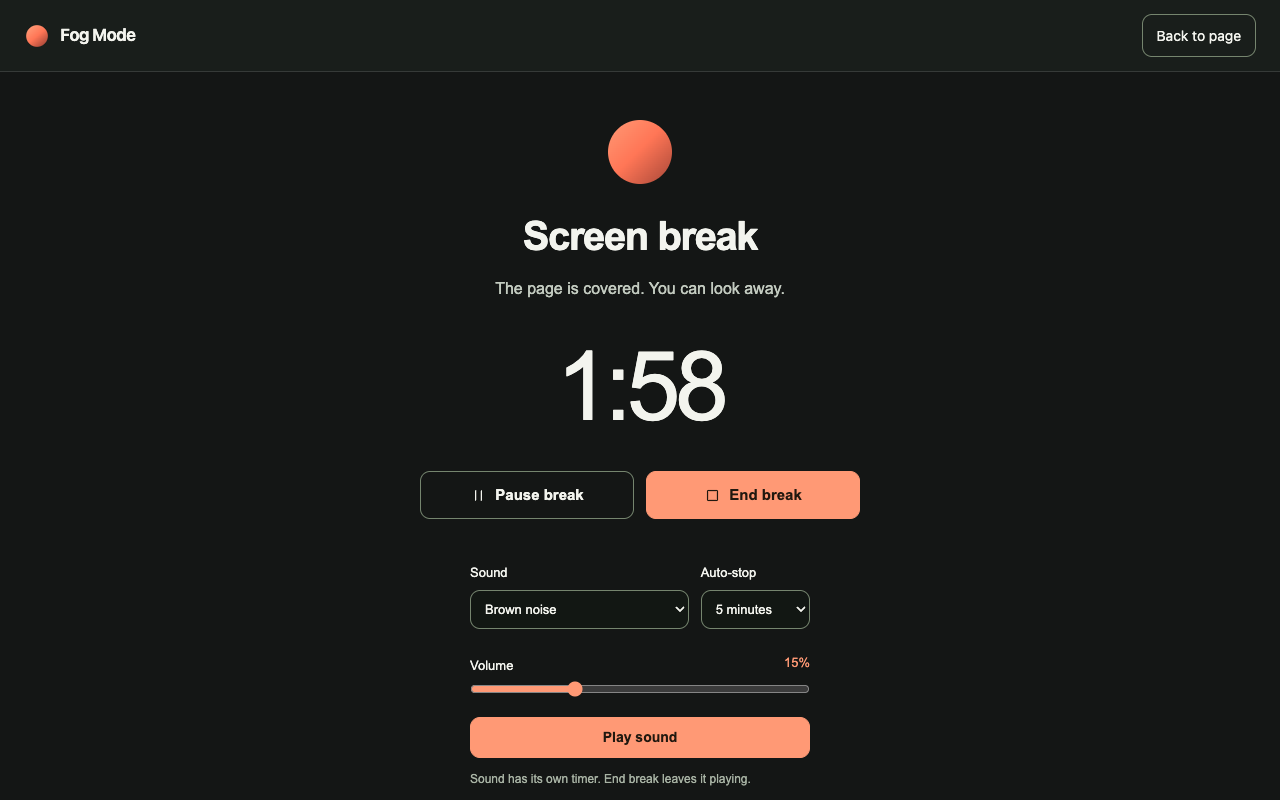
Cover the page. Take a screen break.
Cover the page for 1, 2, 5 or 10 minutes. Pause or end it any time.
Actual Fog Mode screen break Extension screenshot
Follow a breathing guide.
Set how long to breathe in and out. No breath holds.
Set break reminders.
A reminder every 15 to 90 minutes. Choose Later or Off today.
Set a focus timer.
5, 10, 15 or 25 minutes. Pause or end it any time.
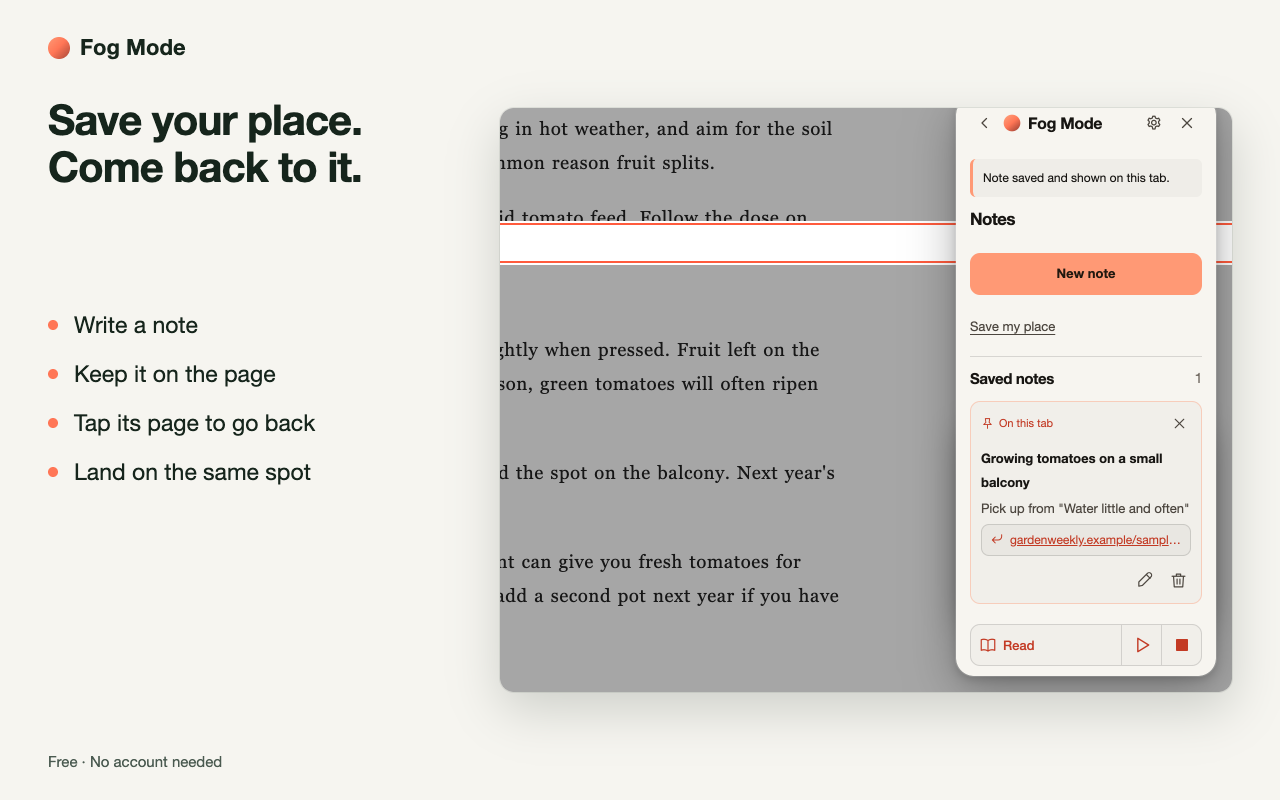
Save and pick up where you left off.
Pin a note to the page and drag it anywhere. Save your spot; the note’s page button takes you back.
Save your place in the example.
Move further down the page.
Return to the saved position.
Saved notes stay on your device.
Save your place and return to itInteractive sample
Temporary, inside this example only.
Press Save this place, move down, then press Return.
Reading settings
Save your preferred reading settings.
Pick Browse or Read, or save your own as My setup. The My reading settings switch turns them on or off for every page.
Browse
Original text, less motion.
Read
115% text, roomier spacing, focus line, less motion.
My setup
Your own text size, spacing, focus line and motion.
Every page
Change a setting, then press Keep on every page. Chrome asks once.
Stop all active tools.
Tools keep running after you close Fog Mode. Stop all turns them off. Your notes and settings stay.
Your notes stay in your browser.
Fog Mode stores notes, preferences and session history locally in your browser profile. You don’t need a Fog Mode account.
Export a backup, import it later or delete your saved data. There’s no cloud sync.
 Fog Mode
Add to Chrome
Fog Mode
Add to Chrome